
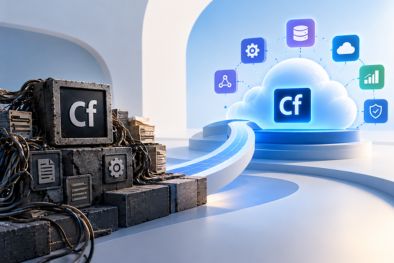
How to Make Legacy ColdFusion Applications Cloud-Ready
Many businesses continue to depend on Legacy ColdFusion Applications that were developed years ago. These applications often support critical business processes, customer portals, reporting systems, and internal workflows.
However, the infrastructure and technology surrounding these applications may no longer match modern business requirements. Aging servers, limited scalability, outdated integrations, and increasing maintenance costs can make it difficult to support business growth.
Moving legacy coldfusion applications to the cloud can address many of these challenges, but simply transferring an existing application from an on-premise server to a cloud environment does not automatically make it cloud-ready.
A successful cloud transformation requires a structured approach that considers the application architecture, infrastructure, security, performance, integrations, and future scalability.
What Does Cloud-Ready Mean for Legacy ColdFusion Applications?
A cloud-ready ColdFusion application is designed or prepared to operate effectively within a modern cloud environment.
This does not necessarily mean rebuilding the application from scratch. In many cases, businesses can retain their existing ColdFusion code and business logic while modernizing the components that limit cloud adoption.
A cloud-ready application should be able to take advantage of cloud infrastructure while providing the reliability, security, performance, and scalability that modern businesses require.
The goal is to move beyond simply hosting a legacy application in the cloud and create an environment that can support future modernization.
Start with a Technical Assessment
Before migrating legacy ColdFusion applications, businesses should first understand how the existing system works.
Over the years, applications often accumulate dependencies, custom configurations, third-party integrations, database connections, and legacy components. Moving everything without understanding these dependencies can create unexpected problems during migration.
A technical assessment should examine the application’s architecture, ColdFusion version, codebase, database, integrations, server configuration, security, and performance.
It should also identify components that may need to be upgraded, replaced, or redesigned before migration.
This assessment provides a clearer roadmap and helps businesses determine which modernization activities should happen before, during, or after the cloud migration.
Upgrade the ColdFusion Environment
Running an outdated ColdFusion version can create challenges when preparing an application for modern infrastructure.
Older environments may depend on unsupported components, legacy configurations, or outdated security practices. Before moving to the cloud, businesses should evaluate whether the application can benefit from upgrading to a supported ColdFusion environment.
The upgrade process should be carefully planned and tested to ensure that existing functionality continues to work as expected.
A modernized ColdFusion environment can provide a stronger foundation for cloud deployment and future application improvements.
Optimize Application Performance
Cloud infrastructure can provide additional computing resources, but simply increasing server capacity does not solve inefficient application architecture.
Performance issues may originate from the application itself, particularly in older systems that have accumulated years of code and data.
Database queries, inefficient code, excessive resource consumption, and poorly designed processes can all affect application performance.
Performance optimization may include database tuning, query optimization, code refactoring, caching improvements, and server configuration changes.
Addressing these issues before or during migration can help businesses make better use of cloud resources and avoid paying for unnecessary infrastructure capacity.
Modernize the Application Architecture
Legacy Coldfusion applications are often designed around infrastructure assumptions that were common when they were originally developed.
For example, an application may depend heavily on a single server, local file storage, or tightly coupled components.
Cloud environments provide opportunities to gradually modernize these architectural patterns.
Businesses can introduce services such as managed databases, cloud storage, load balancing, monitoring, and automated deployment processes where appropriate.
However, modernization does not have to happen all at once. A phased approach allows organizations to improve architecture gradually while continuing to operate the existing application.
Strengthen Security Before Migration
Security should be an important part of cloud-readiness planning.
Moving an application to the cloud does not automatically make it more secure. Businesses still need to review application-level security, access controls, data protection, server configuration, and integrations.
Legacy ColdFusion applications should be assessed for outdated components, insecure configurations, authentication weaknesses, and vulnerabilities before migration.
Cloud environments can provide strong security capabilities, but those capabilities need to be configured and integrated correctly with the application.
Taking a proactive approach to security helps reduce risks during migration and provides a stronger foundation for long-term cloud operations.
Modernize APIs and Integrations
Many legacy ColdFusion applications were built before APIs became a standard part of modern software architecture.
As a result, they may rely on tightly coupled integrations or manual data exchange between systems.
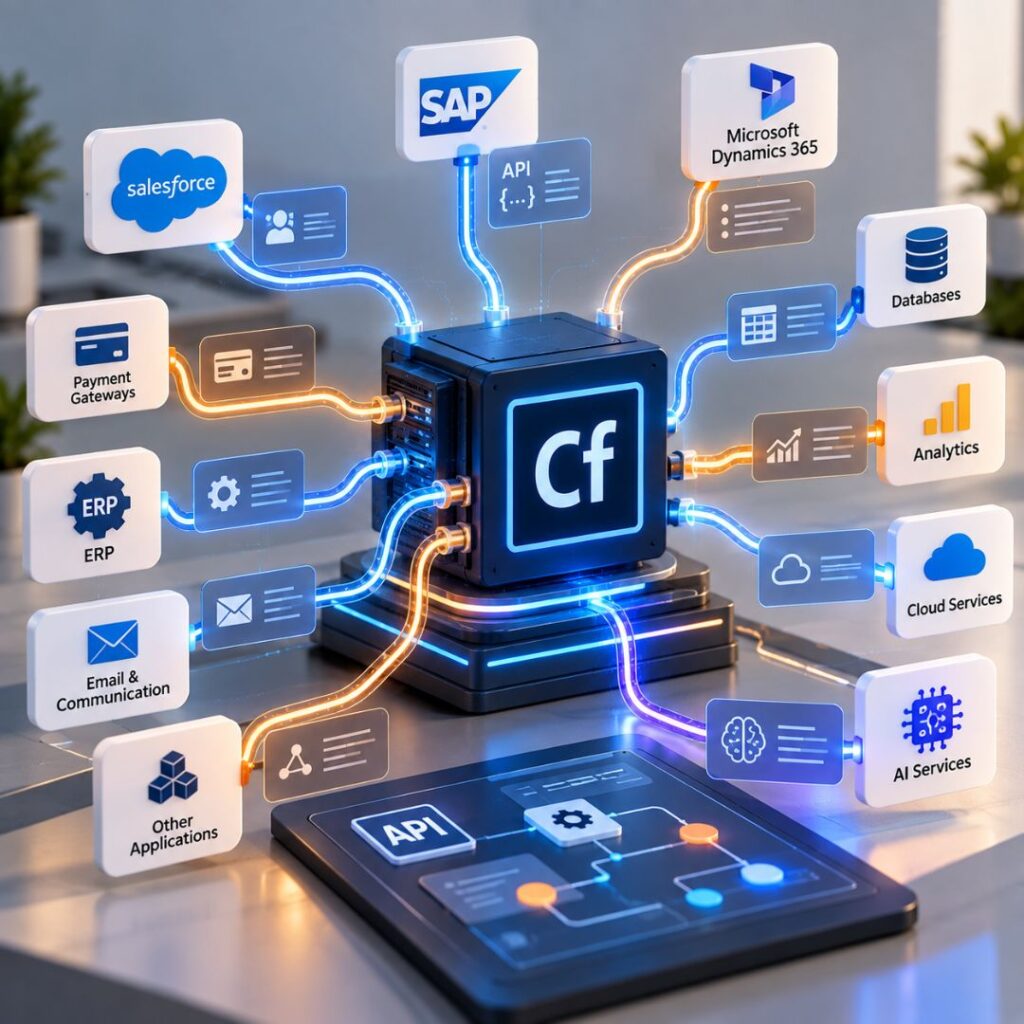
Modern API-based integrations can make it easier for a ColdFusion application to communicate with CRM platforms, ERP systems, payment services, SaaS applications, analytics platforms, and other business systems.
This can also prepare the application for future technologies such as AI-powered services and automated workflows.
Modern integrations therefore serve two purposes: they improve current connectivity while making the application more adaptable to future technology changes.
Choose the Right Cloud Strategy
Not every ColdFusion application needs the same cloud architecture.
Depending on the application’s requirements, businesses may choose different approaches, including migrating the existing application with minimal changes or progressively modernizing its architecture.
Cloud platforms such as AWS, Microsoft Azure, and Google Cloud provide a range of infrastructure and managed services that can support these strategies.
The right approach depends on factors such as application complexity, performance requirements, security needs, database architecture, expected traffic, and long-term business goals.
A well-planned strategy helps avoid unnecessary infrastructure costs while providing room for future growth.
Modernize in Phases
Cloud transformation does not need to be a single large project.
A phased approach can reduce risk and make modernization easier to manage. Businesses can begin with assessment and infrastructure preparation, followed by application optimization, security improvements, cloud migration, and architectural modernization.
This allows teams to measure results at each stage and address issues before moving to the next phase.
More importantly, businesses can continue using their existing application while gradually improving its underlying technology.
How LoreMine Helps Make Legacy ColdFusion Applications Cloud-Ready
At LoreMine, we help businesses modernize legacy ColdFusion applications and prepare them for modern cloud environments.
Our approach focuses on understanding the existing application before recommending changes. Depending on the requirements, modernization may involve ColdFusion upgrades, performance optimization, security improvements, cloud migration, API integration, UI modernization, or architectural improvements.
We help businesses preserve valuable existing business logic while gradually introducing modern technologies and infrastructure.
This approach allows organizations to modernize their applications without automatically taking on the cost and disruption of a complete rewrite.
Final Thoughts
Making legacy ColdFusion applications cloud-ready involves more than moving files and databases to a cloud server. It requires careful consideration of application architecture, performance, security, integrations, infrastructure, and future scalability.
By assessing the existing system, optimizing performance, strengthening security, modernizing integrations, and adopting a phased cloud strategy, businesses can extend the value of their ColdFusion applications while preparing them for future growth.
Cloud readiness also creates a foundation for further modernization, including AI integration, automation, modern APIs, and scalable SaaS architectures.